

Spend More Time Shooting & Less Time Scanning with Shot Detection
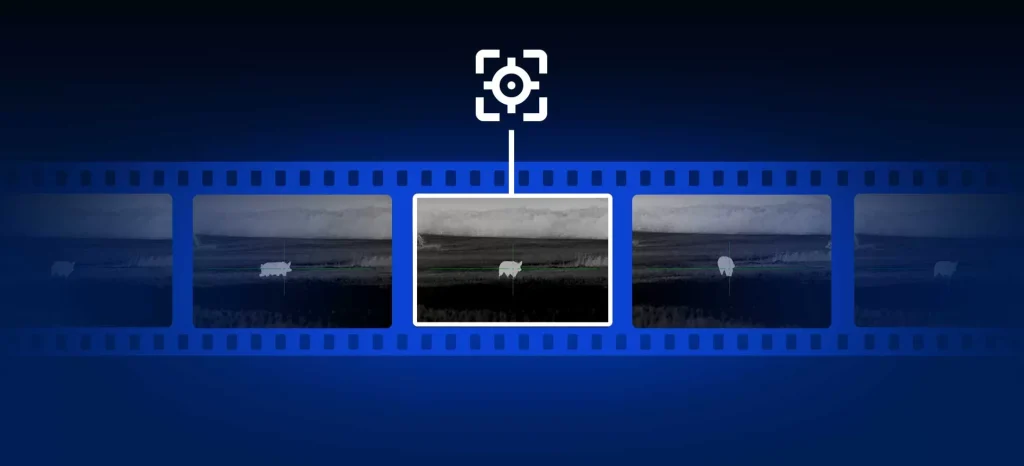
Spend less time scrubbing through footage and skip straight to the point with Shot Detection, the new digital feature in Stream Vision 2.
This AI-powered feature will automatically highlight timestamps in your recorded video to indicate the moment a shot is taken, allowing you to skip straight to the shot without having to fuss about with searching through footage. For context, skipping to a shot will start 2 seconds before the shot was taken.
Shot Detection gives you full editing control, allowing you to easily add or delete shot markers. It will even allow you to flag incorrect shot detections, with the AI model learning with each flagged error and improving its output for future shot detections.
Shot Detection is designed to make reviewing and editing your video more efficient than ever.
Key Highlights of Shot Detection:
- AI-driven tech automatically detects the moment a shot has been taken in your video.
- When multiple shots have been taken, markers allow you to skip between each shot without scrubbing through the video.
- Allows you to flag/delete a marker when the AI has incorrectly detected a shot.
- Enables quick video analysis and better organisation when reviewing footage.
Editing Capabilities:
- Add shots manually in editing mode when Shot Detection has not.
- Delete shots with a reason, if needed.
- Adjust or correct shots that Shot Detection had marked incorrectly.
How to Use Shot Detection:
- Download footage captured on your Pulsar device into the Stream Vision 2 app.
- Run the video through the new Shot Detection AI model.
- View the on-screen Shot Detection markers, tap on them to skip to the shot.
- Pres and hold on the Shot Detection marker to delete incorrect or misaligned detections.
Shot Detection Access Requirements:
- You must be logged in to your Stream Vision 2 account to use Shot Detection.
- Only videos that have been saved to your Stream Vision 2 account can be processed.

